

المسافر
Active member
- Joined
- Dec 3, 2025
- Messages
- 189
- Reaction score
- 0
- Points
- 16
Online Payment Methods in Türkiye for E-Commerce
Want to buy from a Turkish website but unsure whether to use your Saudi card, a Turkish bank card, an e-wallet or bank transfer? This guide helps you choose a method, understand checkout and know what to do if payment is declined or funds are charged without purchase confirmation.
Quick answer: Start with the store's own payment options. International cards may work, but acceptance depends on the store, gateway and issuing bank. Visa or Mastercard logos do not guarantee acceptance of every foreign card.

Illustrative online shopping and payment photo; it does not depict a particular Turkish store or gateway.
 1. Choose a method suited to your situation
| Buyer's situation | Where to start? | What to check? |
|---|---|---|
| Visitor with a card issued outside Türkiye | An international card supported by the store | International and online purchases, bank authentication and currency fees |
| Resident with a Turkish account | Bank debit, credit or virtual card | Balance, permitted limit and available payment options |
| E-wallet user | The wallet if shown at checkout | Verification, limits, company licensing and refunds |
| Buyer avoiding card entry | Payment on delivery if offered | Fees, cash or card, and carrier conditions |
| Buyer asked for bank transfer | Transfer only after checking seller and instructions | Beneficiary, amount, order number and cancellation policy |
 2. Domestic and foreign cards: What differs?
A debit card Banka Kartı draws from your account balance; a credit card Kredi Kartı uses a credit limit, while a virtual card Sanal Kart is issued by a bank or provider under its terms. Virtual cards help set a small spending limit but do not guarantee acceptance or change the issuing country.
For Saudi users: mada is a Saudi payment network, not a generic term for Turkish debit cards. If your card also carries an international-network logo, ask your bank about international and online purchases; success in Saudi Arabia does not establish acceptance at every Turkish store.
Before using foreign cards, check expiry, balance or limit, and online and international settings. Ensure you can receive authentication through your registered number or banking app while traveling.
 3. What is 3D Secure?
It is additional bank authentication during payment, potentially requiring a code or approval through the bank's method. If verification does not appear or is interrupted, payment may remain incomplete. iyzico documentation identifies missing foreign-card verification messages and unsupported card or bank authentication as possible difficulties at this stage.
Authentication alone is insufficient: Return to the store and confirm the order number and status. Never share verification codes with sellers or support; enter them only in the correct authentication interface.
 4. Purchase and payment steps without confusion
1. Check seller, product, size, quantity and return policy.
2. Enter the correct delivery address and required contact number.
3. Review product totals, shipping and displayed charges before accepting.
4. Choose an actually available method and enter details on secure checkout.
5. Read the amount, currency and payee on bank authentication before confirming.
6. Wait for the result page; do not repeatedly press Pay while waiting.
7. Open orders and retain the order number and confirmation.
On Trendyol, Hepsiburada, Amazon.com.tr or n11, use the checkout for your order and shopping country. Turkish-store options need not match international versions and may vary by product and account.

Cards and eyeglasses on a laptop; an illustrative photo that establishes neither card acceptance nor provider security.
 5. Card declined: What to check in order
| What appeared? | What to check? |
|---|---|
| Insufficient balance or limit | Total amount, available balance and pending transactions |
| Verification code missing | Bank-registered number, message reception and alternative authentication |
| Card not accepted | Store support for issuing country and card type, then the bank's decline reason |
| Incorrect card details | Number, expiry, security code and required billing details |
| Interrupted or stuck checkout | Order history and bank transaction status before retrying |
 6. Funds charged without an order, or a canceled purchase
Distinguish pending or held funds from a posted account transaction. A bank notification alone does not prove the store created an order.
• Check orders and email, then ask the bank for the transaction status.
• Give support the payment time, amount, currency, order number if available and only the last four card digits when needed.
• If the store says it refunded funds, request the refund reference and follow up with the bank.
• No single timeframe applies to every refund; ask the store and bank about yours.
• For an unrecognized transaction, immediately contact the bank through official channels for protection and dispute procedures.
 7. Currency and installments: Read the final cost
If the order is in Turkish lira and your card uses another currency, check conversion and international-purchase fees. If offered payment in your own currency instead of lira, compare displayed rates and fees; neither option is always better.
Installments Taksit are not automatically available for every card, particularly foreign cards. Check eligibility, installment count and total amount; meanwhile, Tek Çekim means payment in one installment. Do not rely on an installment advertisement without the final terms for your order.
 8. Bank transfers, wallets and payment on delivery
Havale / EFT / FAST: Havale is used within the same bank, EFT between banks, while FAST provides round-the-clock instant transfers at participating institutions within applicable limits. Check app fees and instructions; transfers are not necessarily free, and speed does not establish seller reliability.
Match beneficiary names with seller information and order instructions before sending funds. Do not transfer to an unknown personal account because WhatsApp promised a discount. For marketplace purchases, use its approved payment process.
Wallets: They may require identity verification, phone numbers and conditions differing for foreigners. Opening an account does not activate every service or ensure acceptance by every store. Check current company status and your account limits directly, reviewing the Turkish central bank's licensed-institution lists before depositing substantial amounts.
Kapıda Ödeme, payment on delivery: Use it only when offered for the order and confirm fees and accepted methods. Receipt does not automatically permit opening and inspecting the parcel before payment; ask in advance.
 9. Common questions before paying
Does iyzico or PayTR mean I need a new account?
A gateway name alone does not require opening a wallet; follow displayed options and distinguish card payments from registration-based services.
Is PayPal a local option in Türkiye?
PayPal's Turkish page states services are suspended for customers in Türkiye. Do not rely on it as a local payment solution or register using a false residence country.
Will a card working in a store terminal also work online?
Not necessarily; online purchases may have different settings, authentication and acceptance policies.
Does secure payment establish seller quality?
No. Bank authentication helps verify payment but does not replace checking store identity, delivery and returns.
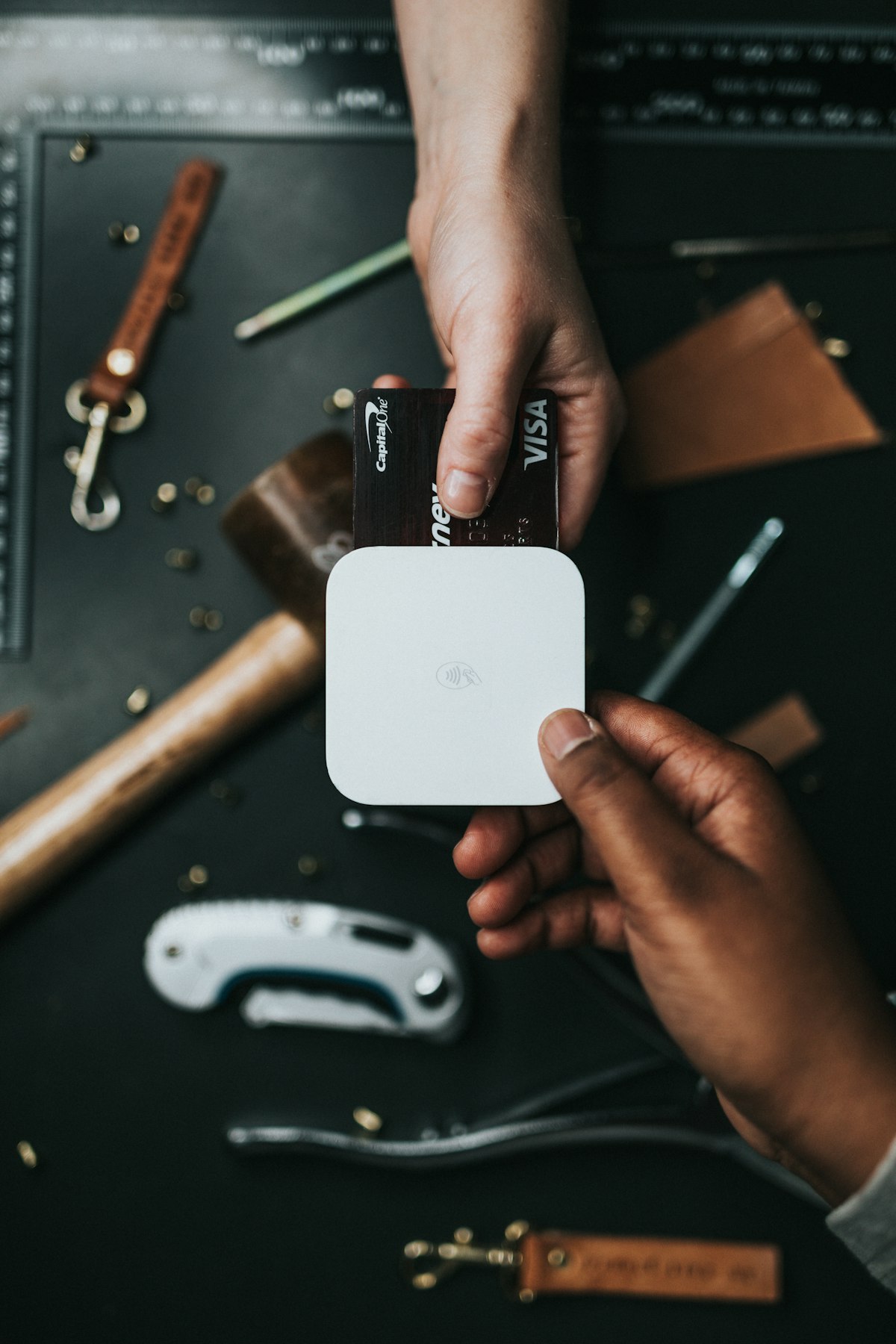
A card is a payment method; also check seller reliability and purchase terms.
 Before pressing Pay
Check the correct website, amount, currency, method, address and return terms. Use a suitable purchase limit and retain confirmation. Never send a full card photo or security code. A browser padlock alone does not establish store trustworthiness.
Information reviewed: 6 October 2026. Payment options, fees and limits change; consult store and bank terms when transacting.
 Related topics
  Using Foreign Cards on Turkish Websites Virtual Cards and Safe Online Shopping in Türkiye E-Wallets and Fintech Payment Apps in Türkiye Pros and Cons of Cash on Delivery in Türkiye How to Register on Trendyol and Shop Step by Step How Foreigners and Residents Can Shop from Amazon Türkiye Payment Gateways in Türkiye: From Card Approval to Merchant Settlement Payment Problems in Turkish Stores: Declines, Pending Payments and Order Status Choosing a Payment Provider in Türkiye: Licensing, Fees and Settlement
Last edited by a moderator: