

المسافر
Active member
- Joined
- Dec 3, 2025
- Messages
- 189
- Reaction score
- 0
- Points
- 16
How to Register on Trendyol and Shop Step by Step
From choosing the store version to receiving your order and tracking a refund
From choosing the store version to receiving your order and tracking a refund
Trendyol's interface may look similar across countries, but shipping addresses, currencies, payment options and return policies can differ. Start by deciding where you will receive the order, then create the appropriate account. This guide explains a practical purchasing process; button names and locations may change between app and browser, so follow the information and terms shown before payment.

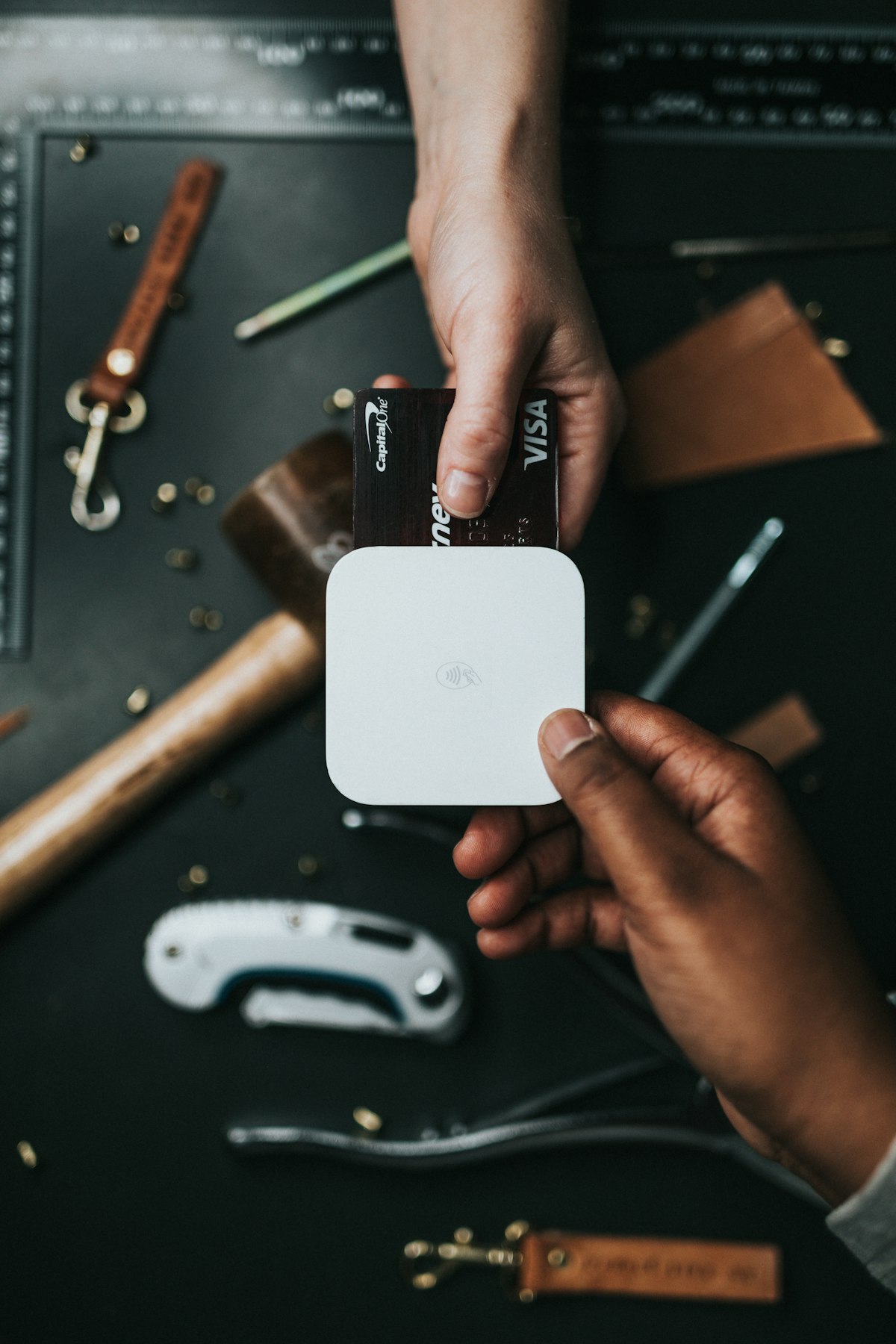
Illustrative online shopping and payment photo; it does not depict a particular Turkish store or gateway.
 Before registering: Are you shopping within Türkiye or for another country?
For delivery to an address in Türkiye: Check that Türkiye is selected in country settings, and review the pricing currency and delivery address. Prepare a complete address and a reachable phone number, especially when staying at a hotel or temporary address.
For delivery outside Türkiye: Check the countries served by your store version, the product's shipping eligibility, and the charges and policy for the order. A listing in the Turkish store does not mean it can ship directly to your country or that its final price will equal the domestic price.
If using a parcel consolidator or forwarder, remember that this is separate from Trendyol: calculate its charges, shipment weight, customs and return process before buying. A forwarding address does not establish that returns will be easy.
 Creating an account
1. Open the official Trendyol website or official app, checking the publisher's name.
2. Select Giriş Yap then Üye Ol, or the equivalent account-creation option in your interface language.
3. For the Turkish process, the platform's guide describes membership using email and a password. Enter an accessible email and a unique password.
4. Complete the registration and verification options shown. A phone number may be requested for address, order or verification steps; do not assume every version and user sees the same form.
5. Open the account and verify your email before ordering. Do not share passwords or verification codes with anyone offering registration assistance.
If you have an old account, try password recovery instead of creating another with the same details. Check spam folders for missing messages, then use official help; do not enter credentials on a page from an unknown message.
 Adding a delivery address
Go to your account, Hesabım and find addresses under Adreslerim. Enter the recipient's name, province, district, neighborhood, street, building and apartment number, and postcode when requested. Check the confirmation screen; selecting the wrong suggested neighborhood can send the order elsewhere even when the street name is correct.
| Turkish field | Meaning |
|---|---|
| İl | Province. |
| İlçe | District or municipality within the province. |
| Mahalle | Neighborhood. |
| Cadde / Sokak | Main street / side street. |
| Bina No / Daire No | Building number / apartment number. |
| Telefon | Phone number for delivery communication. |
If staying at a hotel: Agree with reception first, use the name the hotel knows, and confirm it accepts your parcels. Do not order a product arriving after departure or assume the hotel will forward it to your country. Use a number you can answer during delivery.
 Finding a product and choosing a seller
Search by product name, brand or model number, then filter by size, color and price. Open the details instead of buying from a search-results photo alone. For clothing, check measurements; for electronics, model, capacity, accessories and warranty; for sets, the item count.
Read the name under Satıcı , meaning seller, along with seller ratings and recent product reviews. The same product may be offered by different sellers; the lowest price is insufficient if delivery terms or product details differ. Check comments on sizing, packaging quality or description mismatches and weigh them against the review count.

Parcels carrying delivery labels; an illustrative photo, not a specific shipment or grocery service.
 Cart and final cost
Select Sepete Ekle to add the item, then open Sepetim. Review every item's color, size, quantity and seller. Orders from several sellers may split into shipments with different dates; one product's date does not apply to the whole cart.
Check shipping charges, discounts and coupon terms. A coupon in your account does not necessarily work for every product or seller. If you have a budget, compare the total after shipping and discounts, beyond the item price alone. Also review the estimated delivery date; it is an estimate, not a guarantee of arrival before your trip.
 Payment and order confirmation
Choose a method available at checkout. Card and other payment eligibility depends on the arrangement, store country and bank; acceptance of every foreign card cannot be guaranteed. If your bank requests 3D Secure, complete it yourself without sharing the code.
If payment fails, first check order status, then the bank record. The amount may be a temporary hold rather than a completed transaction; the bank and platform determine its status. Do not repeatedly press Pay without knowing the result. After success, save the order number, total and product details.
If you need a company invoice, check its details, recipient name and address; choosing a personal invoice and assuming it can later be changed may be unsuitable. Do not invent personal or tax details merely to bypass a form field.
 Tracking and receiving the order
Open Siparişlerim , meaning My Orders, and select the order to see its status, carrier and tracking number where available. The phrase Kargoya Verildi means handed over for shipping, not delivered. Check every shipment when a cart involves several sellers.
On receipt, match your name and order number, then check packaging, product, size, quantity and accessories. Keep the invoice and packaging until satisfied the order is correct. If an item is wrong or damaged, document it and request help from the order page rather than an unofficial account.
 Cancellations and returns
To cancel, open the order and see whether cancellation is available at its current status. Do not assume cancellation stops a shipment already dispatched. After receipt, if returning an item, choose İade within the order, select the item and reason, then follow the displayed shipping instructions and return code.
Many distance-selling contracts have a 14-day withdrawal period, but exceptions and conditions depend on the product and situation. Personalized goods, certain hygiene goods, perishables and other categories require checking their terms. Do not assume everything can be returned regardless of use. Review the current policy and contract before buying, particularly for sensitive or high-value goods.
Retain evidence of handing the return to the carrier, then monitor acceptance and refund processing. Your bank may affect when the credit appears after processing. Distinguish cancellation, withdrawal and a complaint about a defect or wrong product, because the reason and documentation may differ.
 Solutions to common problems
Verification code missing: Check the number, country, messages and email, then use official help.
Address rejected: Check store version, delivery area and neighborhood–district consistency.
Payment declined: Check the bank, purchase limit, authentication and transaction status before retrying.
Wrong size ordered: Check cancellation first; if unavailable, follow the item's permitted return process.
You traveled before delivery: Contact support and the hotel or agreed recipient; address changes after dispatch are not guaranteed.
Use your order's details because they identify the seller, shipment, methods and policy applying to your purchase.
 Related topics
  Online Payment Methods in Türkiye for E-Commerce Using Foreign Cards on Turkish Websites Trendyol vs Hepsiburada: Which Is Better for Online Shopping in Türkiye? How Foreigners and Residents Can Shop from Amazon Türkiye Essential Tips Before Shopping on n11 in Türkiye Top E-Commerce Platforms in Türkiye Domestic & International Shipping Services in Türkiye for E-Commerce Virtual Cards and Safe Online Shopping in Türkiye E-Wallets and Fintech Payment Apps in Türkiye
Last edited by a moderator: